Not sure what a post, comment, message, or caption really means? Share a screenshot to SnapCue. It tells you what they actually mean, judges whether to reply right now, and copies the right line for you — even when it's in a language you barely read.
On iPhone and Mac.Screenshot → Share → Paste.No prompts. No chat window. No overthinking.
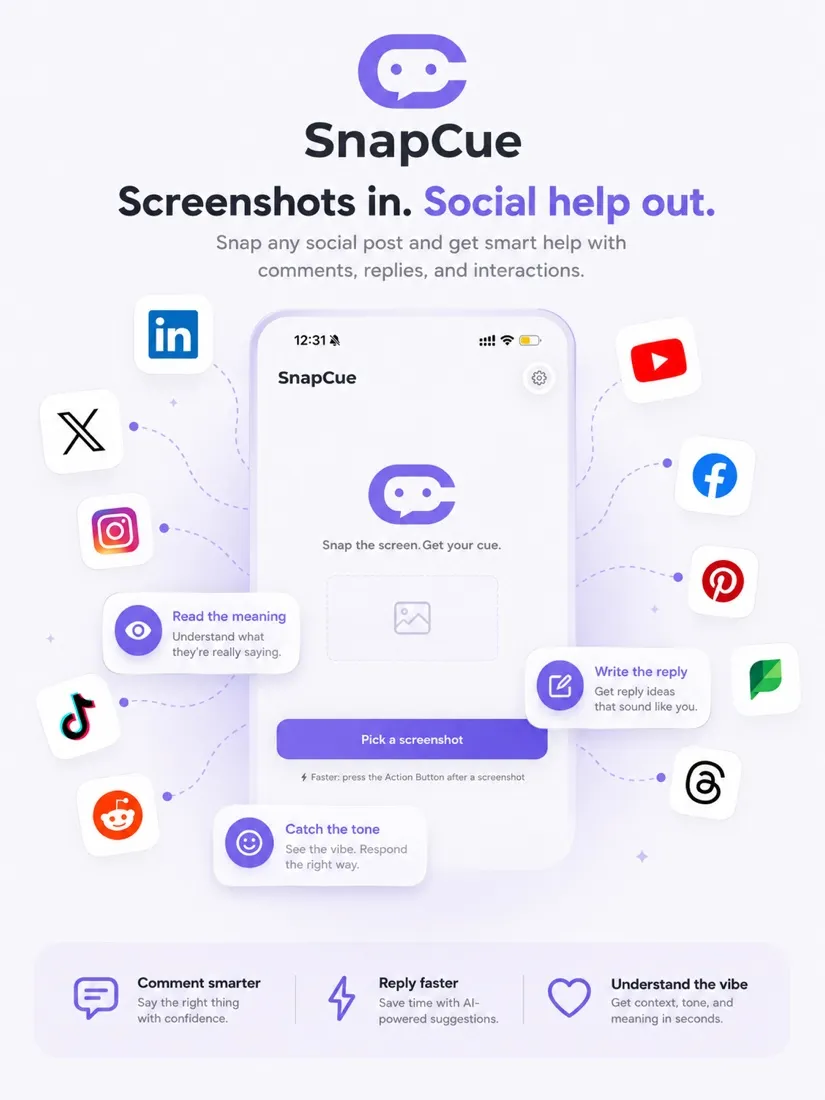
Is this praise, or sarcasm? Is this comment worth a public reply, or just a like? And if you do reply, how do you sound natural — not like AI?
Just screenshot it and share to SnapCue. In seconds it gives you three things — exactly enough to decide, not a word more.
Tells you what the post, comment, message, or caption really means — subtext and passive-aggression included.
Reply, like, ignore, DM, or be careful — with a risk level. When the stakes are high, it holds you back.
One natural, not-like-AI line, already copied to your clipboard. Swap the tone or go shorter when you need to.
Capture anything you're unsure about, in any social or messaging app.
Pick SnapCue from the share sheet — or jump straight in with the Action Button, Back Tap, or Siri. Zero navigation.
One screen, the best reply already copied. Go back to the original app and paste.
Other tools only help you write more. SnapCue judges first — this public pile-on will only escalate; this DM is fishing for your financials. When it's time to walk away, it tells you to, and folds the reply away.
SnapCue explains it in your language, then writes the reply in theirs — with a one-line meaning of exactly what you're about to send. Show up confidently on global social media, even when it isn't in your tongue.
Press ⌥⇧S, select any post, comment, or DM on your screen — the tone and meaning appear the moment they're read, and the right reply lands on your clipboard. Just ⌘V where you were typing.
Click to capture a whole window, or drag around exactly the line you're unsure about. Works in every app and browser.
The tone and summary stream in the moment they're read — seconds before the reply finishes writing itself.
Focus goes straight back to the app you were replying in. One natural line, already on your clipboard.
Free betamacOS 14+1.5 MB, auto-updatesNothing stored, ever
Screenshots often hold DMs, names, emails. Our engineering matches every promise here, word for word.
Your screenshot is used for this one analysis, then deleted. We never keep the original.
Only the one you share. Never listening in the background or reading other screens.
SnapCue only copies the reply to you. Whether and how to send is always yours.
Your content never trains any model. Processed, then forgotten.
SnapCue helps you understand the moment — and respond with confidence.
Download free on the App Store Mac Beta